Hyperoptic
- This post is more than 6 months old. Circumstances or my opinions may have changed.Despite being on an estate that is pretty well connected to the internet, our block was the exception. We could get copper broadband, but it seemed like it would be so terrible to not be worth it. Openreach’s checker says it would have “Up to 1 Mbps upload”!
Instead when we moved in, we decided on a 4G router from Three, which has worked well enough for the past year or so. Generally it can give about 30 Mbps download and 10 Mbps upload. The latency is terrible though, especially in the evenings. I use Omnissa Horizon remote desktop for work, and it really can’t handle jitter on the link. This ping output makes the problems obvious enough.
root@desktop:~# ping 1.1
PING 1.1 (1.0.0.1) 56(84) bytes of data.
64 bytes from 1.0.0.1: icmp_seq=1 ttl=53 time=45 ms
64 bytes from 1.0.0.1: icmp_seq=2 ttl=53 time=51 ms
64 bytes from 1.0.0.1: icmp_seq=3 ttl=53 time=2214 ms
64 bytes from 1.0.0.1: icmp_seq=4 ttl=53 time=1189 ms
64 bytes from 1.0.0.1: icmp_seq=5 ttl=53 time=181 ms
64 bytes from 1.0.0.1: icmp_seq=6 ttl=53 time=2700 ms
64 bytes from 1.0.0.1: icmp_seq=7 ttl=53 time=1691 ms
64 bytes from 1.0.0.1: icmp_seq=8 ttl=53 time=677 ms
64 bytes from 1.0.0.1: icmp_seq=9 ttl=53 time=2720 ms
64 bytes from 1.0.0.1: icmp_seq=10 ttl=53 time=1704 ms
64 bytes from 1.0.0.1: icmp_seq=11 ttl=53 time=684 ms
64 bytes from 1.0.0.1: icmp_seq=12 ttl=53 time=2256 ms
64 bytes from 1.0.0.1: icmp_seq=13 ttl=53 time=1241 ms
64 bytes from 1.0.0.1: icmp_seq=14 ttl=53 time=223 ms
64 bytes from 1.0.0.1: icmp_seq=15 ttl=53 time=2583 ms
64 bytes from 1.0.0.1: icmp_seq=16 ttl=53 time=1574 ms
64 bytes from 1.0.0.1: icmp_seq=17 ttl=53 time=554 ms
64 bytes from 1.0.0.1: icmp_seq=18 ttl=53 time=47 ms
64 bytes from 1.0.0.1: icmp_seq=19 ttl=53 time=40 ms
I’ve been talking to the building management company about this for a while. It seemed at one point like Openreach might install, but eventually they emailed with “We’ve reviewed our build plans for your area and there will be a delay getting Full Fibre to [your building]”.
Thankfully Hyperoptic were able to serve the building. One thing that I found interesting is how they’ve connected up the flats. The fibre enters the building via a riser that connects all the floors, containing utilities. Instead of sending the fibre up through this riser, they routed it through the stairwell, around the edges of the ceiling. I suspect this is because the riser is sealed between floors to prevent fires spreading, and breaking this seal will require some kind of recertification.
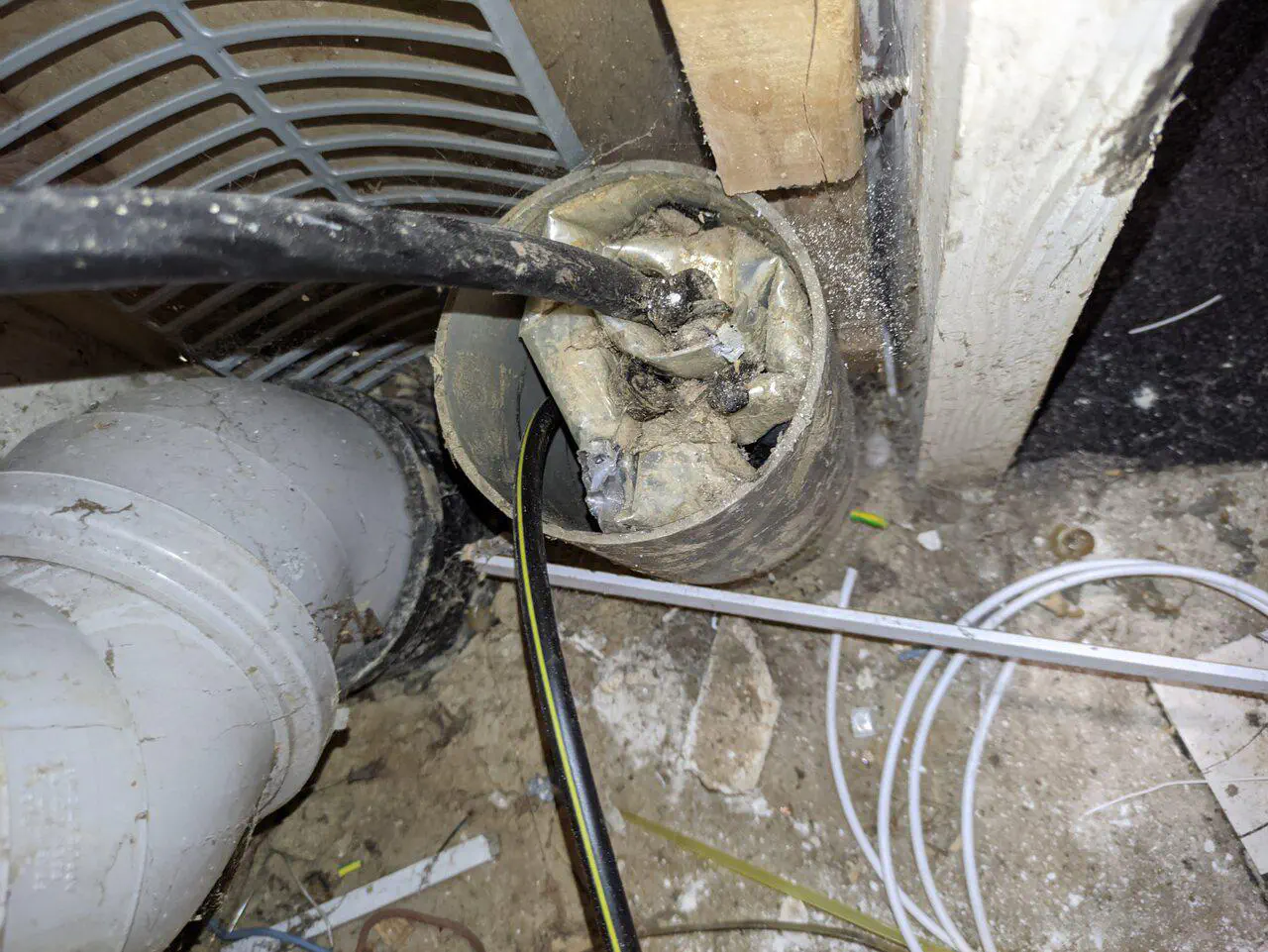
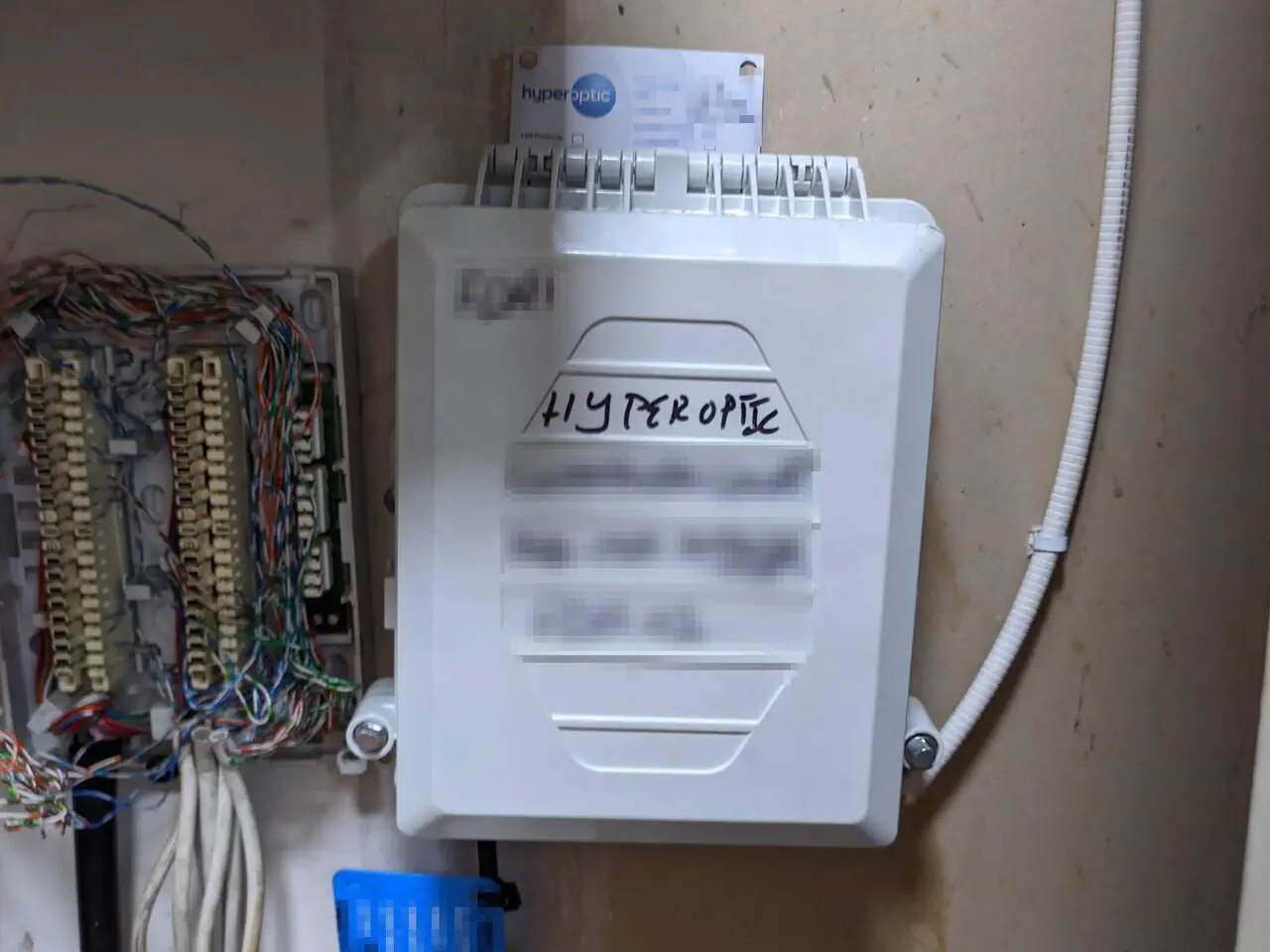
Somewhat amusingly Hyperoptic managed to schedule an internal installation appointment for before the fibre was actually outside our flat for them to connect it up! The contractor turned up and promptly left again. I’m glad I didn’t opt for the “one touch switch” option, where they would have probably already cancelled our existing connection.
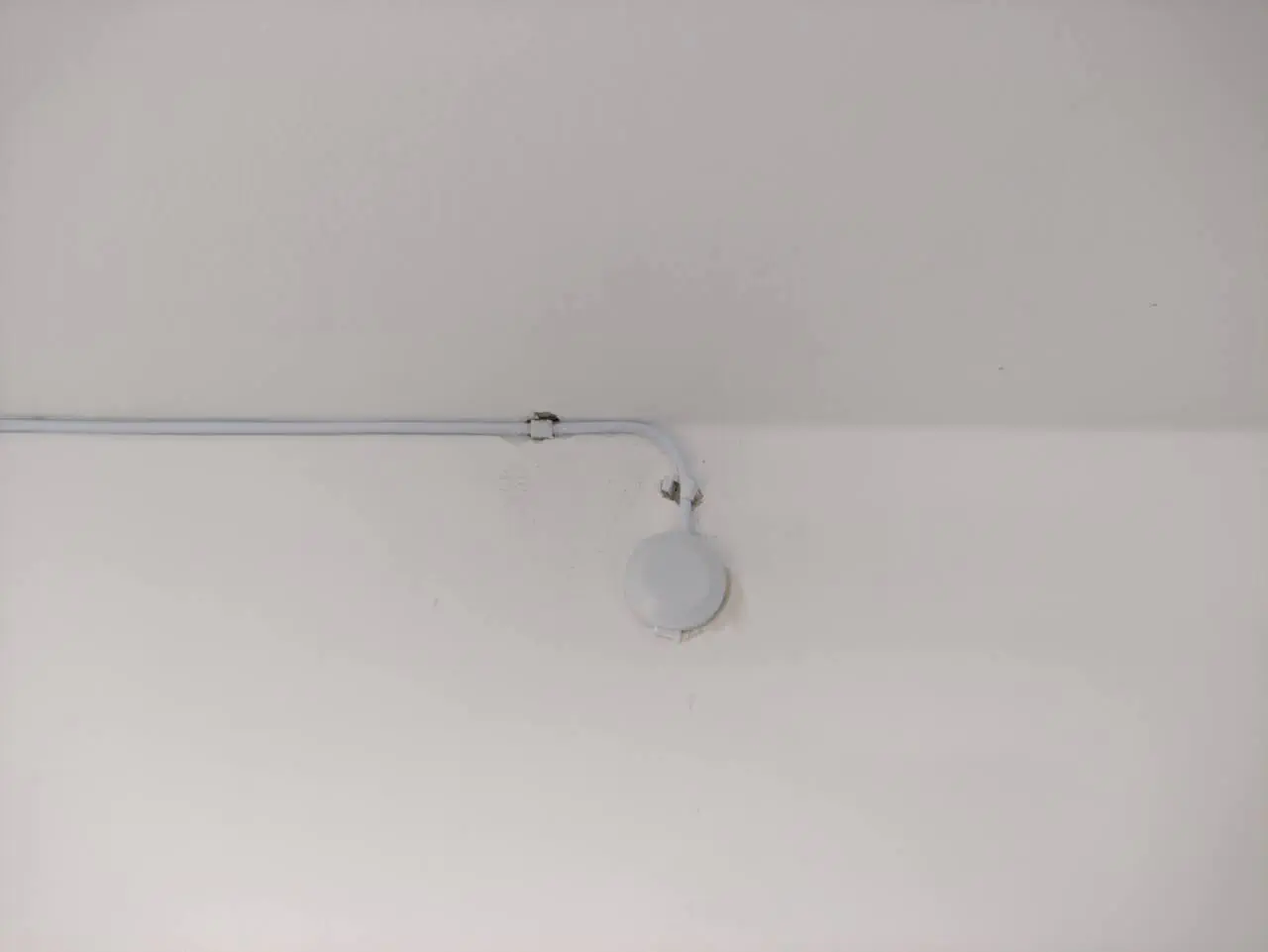
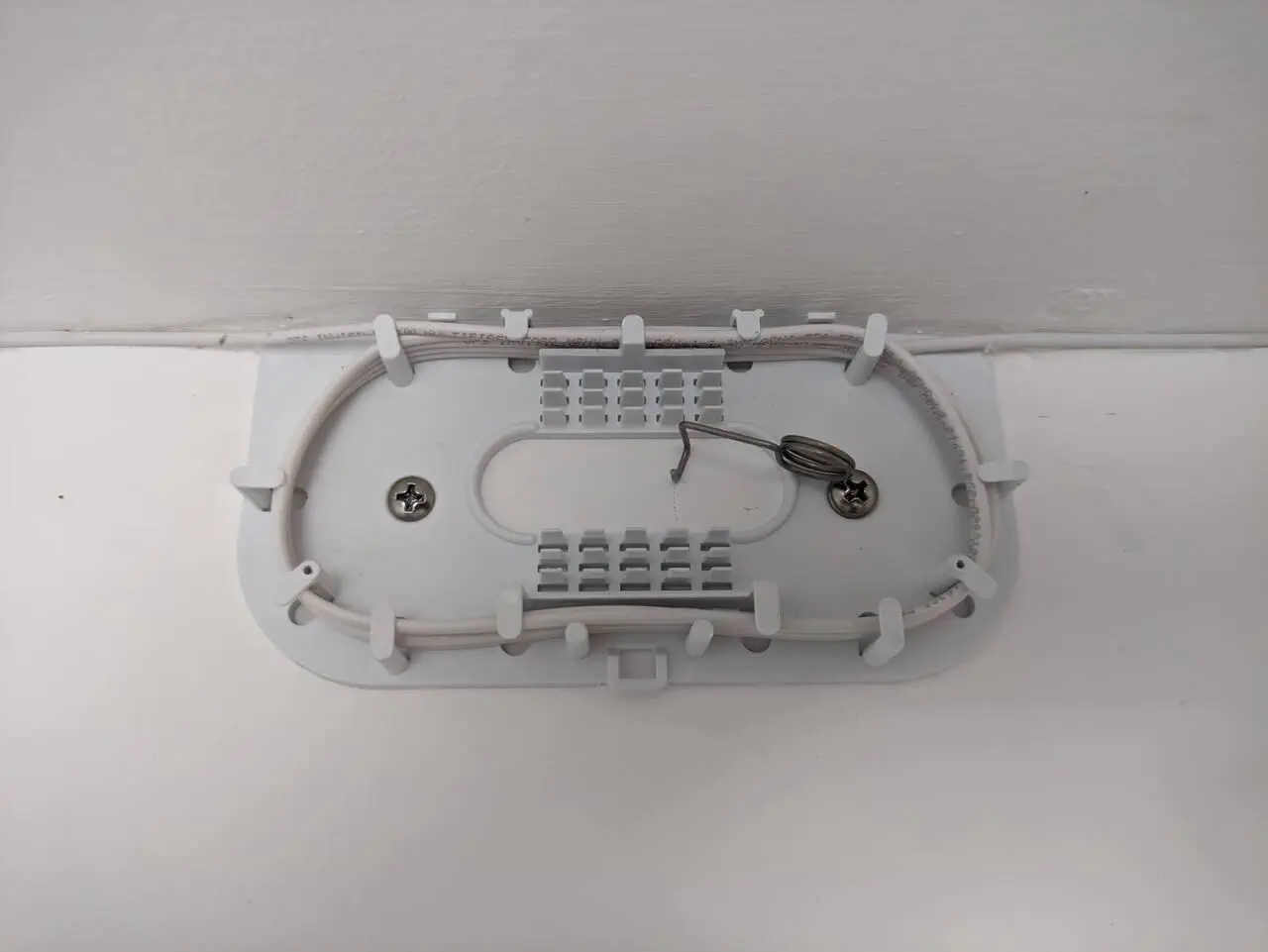
I’ll report back here once the install is complete — hopefully it’ll be done in the next few weeks, without too much more faff. I’m looking forward to the promised 1 Gbps speeds and latency in the single digit millis. The download speed will be ~30x our current speed, with the upload ~100x faster!
Update#
It took a bit longer than expected, but our Hyperoptic fibre is now working! Here’s a timeline:
- 2026-07-24: Hyperoptic door-to-door salesperson signed us up, with an inital install date of 2026-07-29.
- 2026-07-29: Hyperoptic contractors turned up, but they were expecting one the of the aforementioned point of entry modules to already be installed above the flat door, so couldn’t proceed.
- 2026-08: Throughout August Hyperoptic support have a long email chain with the building management company and the freeholder, with the premise that Hyperoptic might need to penetrate the fire batting in the riser.
This was confusing to me, as fibre had already been installed to other flats via the stairwell, not the riser! - 2026-08-26: Another Hyperoptic contractor attends, but they could not install the point of entry module, as the flats above us in the building were already live – and connecting our flat would have disrupted their service.
- 2026-09-04: A third group of Hyperoptic contactors attend, armed with a planned work order, and they install the fibre into the flat. Turns out the sticking point was that our flat has a metal beam above the door, which apparently the other flats don’t have. They instead drilled through the door frame.
The contractors also set up the router, but Hyperoptic’s phone support was was not able to activate the service. Support said it would take 12-24 hours to activate. - 2026-09-05: I call Hyperoptic support, and they escalate the activation issue.
- 2026-09-06: I call Hyperoptic support again.
- 2026-09-08: The service is activated and working!
The speeds & latency are as good as I was hoping for, and I’ve not seen any reliability issues so far. Downloading from my VPS:
root@desktop:~$ iperf3 -P 4 -Rc hetzner.honeyfox.uk
Connecting to host hetzner.honeyfox.uk, port 5201
Reverse mode, remote host hetzner.honeyfox.uk is sending
[-snip-]
[ ID] Interval           Transfer     Bitrate         Retr
[SUM]   0.00-10.03  sec  1.06 GBytes   912 Mbits/sec  790
Uploading:
root@desktop:~$ iperf3 -c hetzner.honeyfox.uk
Connecting to host hetzner.honeyfox.uk, port 5201
[-snip-]
[ ID] Interval           Transfer     Bitrate         Retr
[  5]   0.00-10.01  sec  1.07 GBytes   916 Mbits/sec    0
Ping to Cloudflare is circa 2 ms:
root@desktop:~$ ping -c 10 1.1
PING 1.1 (1.0.0.1) 56(84) bytes of data.
64 bytes from 1.0.0.1: icmp_seq=1 ttl=56 time=2.02 ms
64 bytes from 1.0.0.1: icmp_seq=2 ttl=56 time=1.89 ms
64 bytes from 1.0.0.1: icmp_seq=3 ttl=56 time=2.05 ms
64 bytes from 1.0.0.1: icmp_seq=4 ttl=56 time=1.99 ms
64 bytes from 1.0.0.1: icmp_seq=5 ttl=56 time=1.70 ms
64 bytes from 1.0.0.1: icmp_seq=6 ttl=56 time=1.55 ms
64 bytes from 1.0.0.1: icmp_seq=7 ttl=56 time=2.53 ms
64 bytes from 1.0.0.1: icmp_seq=8 ttl=56 time=2.43 ms
64 bytes from 1.0.0.1: icmp_seq=9 ttl=56 time=1.92 ms
64 bytes from 1.0.0.1: icmp_seq=10 ttl=56 time=2.17 ms

--- 1.1 ping statistics ---
10 packets transmitted, 10 received, 0% packet loss, time 9011ms
rtt min/avg/max/mdev = 1.554/2.022/2.527/0.282 ms
Page last updated by 4c01a18 - 2026-09-25:
feat: hyperoptic now working!
Comments:
Send me a comment by emailing comments@george.honeywood.org.uk, with the subject line "hyperoptic".